How to Deploy a Hugo Site on Cloudflare Pages
Publish date: Jan 10, 2026
Last updated: Jan 28, 2026
Last updated: Jan 28, 2026
Today I finished migrating all my sites from Netlify to Cloudflare Pages. I have been a Netlify Pro user for 4 years and I’m sorry Netlify, it’s not you, it’s me.
1. Go to Workers & Pages then Create App
You might wonder why the link to Pages is buried. Cloudflare seems to favor Workers more from now on. You can deploy your Hugo site to either of the two BTW, but Pages is a lot easier and has no issues at all.

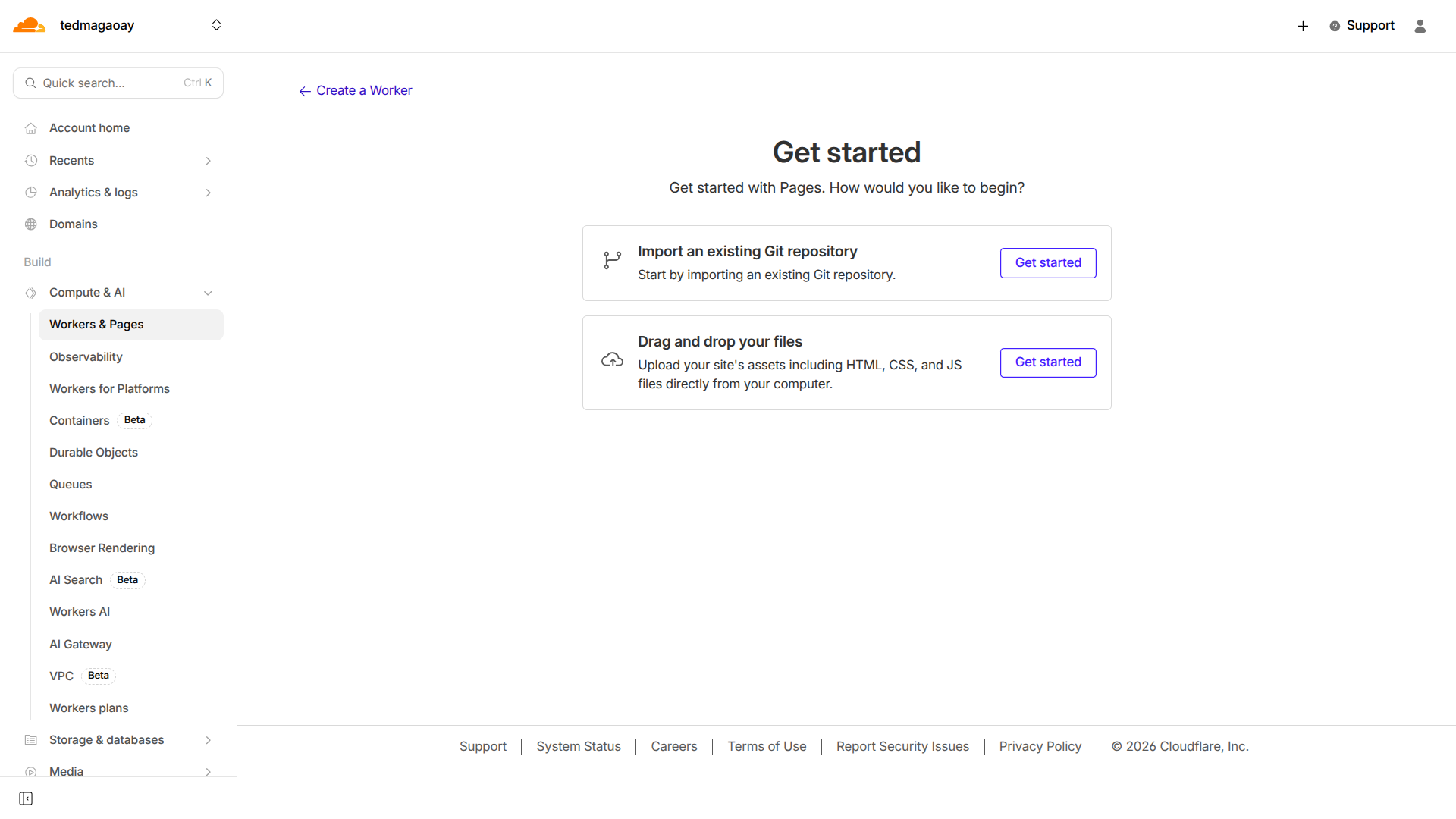
2. Import an existing Git repository
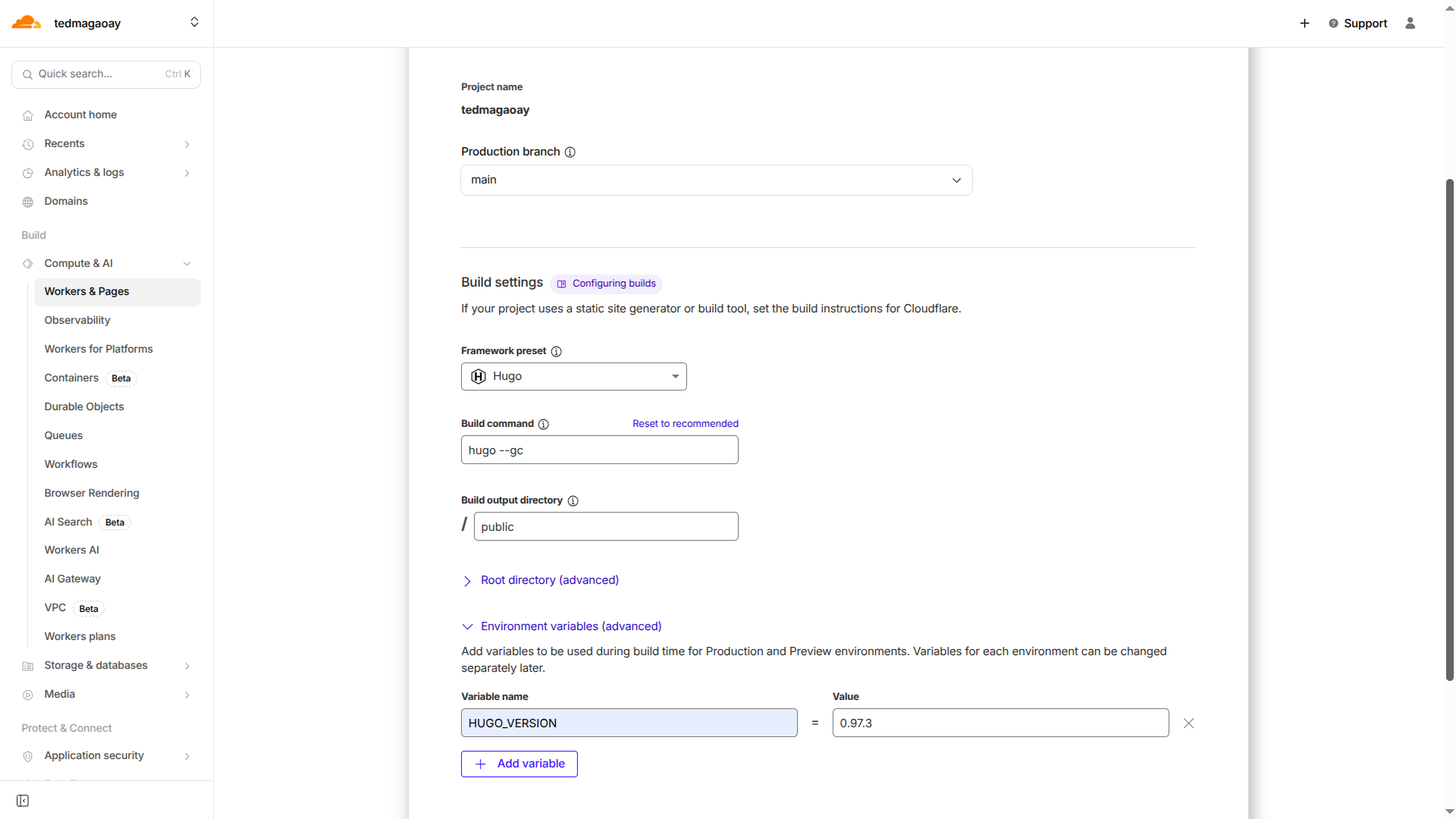
3. Set up builds and deployments
| Settings | Values |
|---|---|
| Project Name | tedmagaoay |
| Production branch | main |
| Framework preset | Hugo |
| Build command | hugo --gc |
| Build output directory | main |
| HUGO_VERSION | 0.97.3 |
4. Add your domain to cloudflare DNS
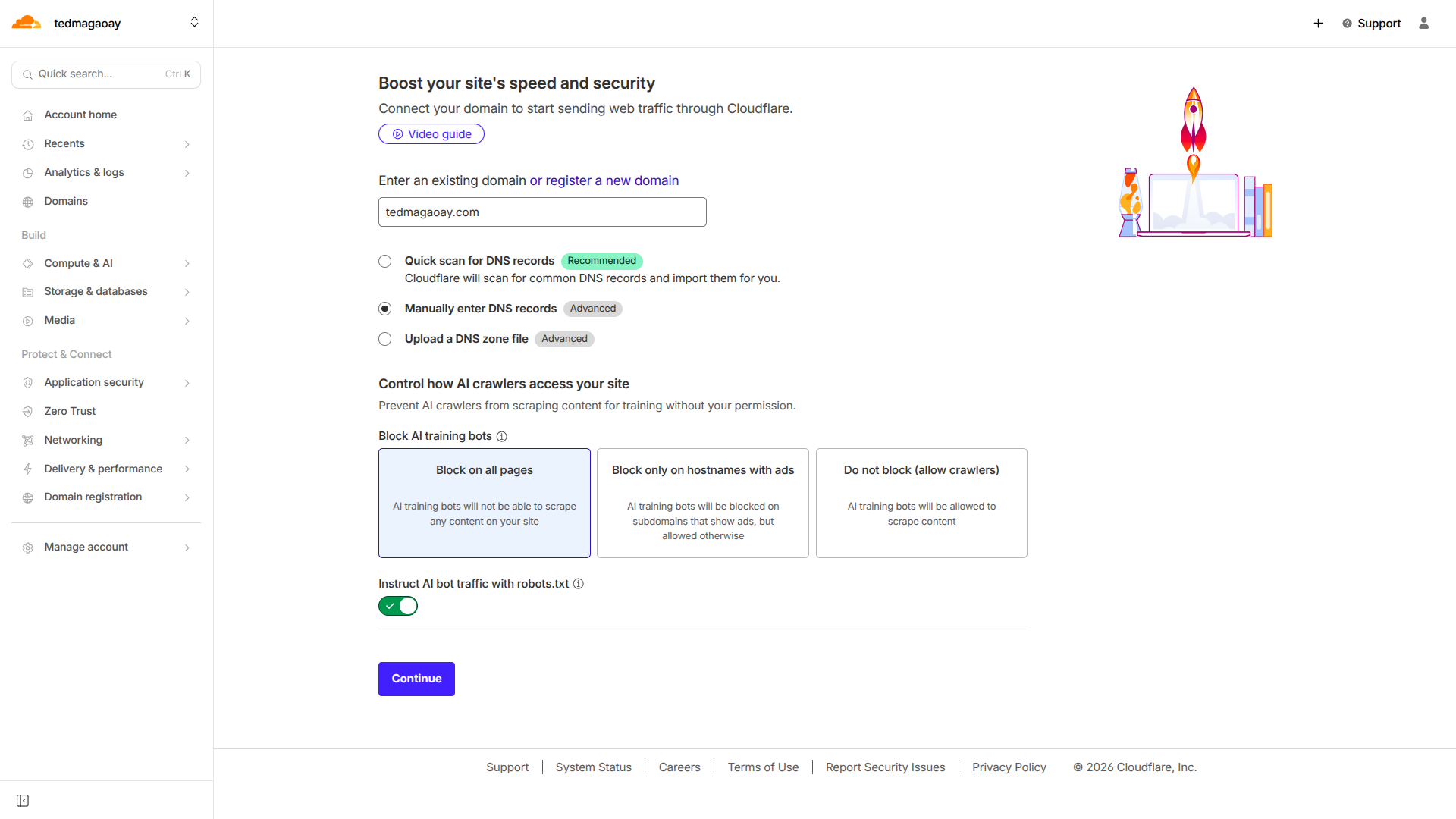
5. Manually enter DNS records
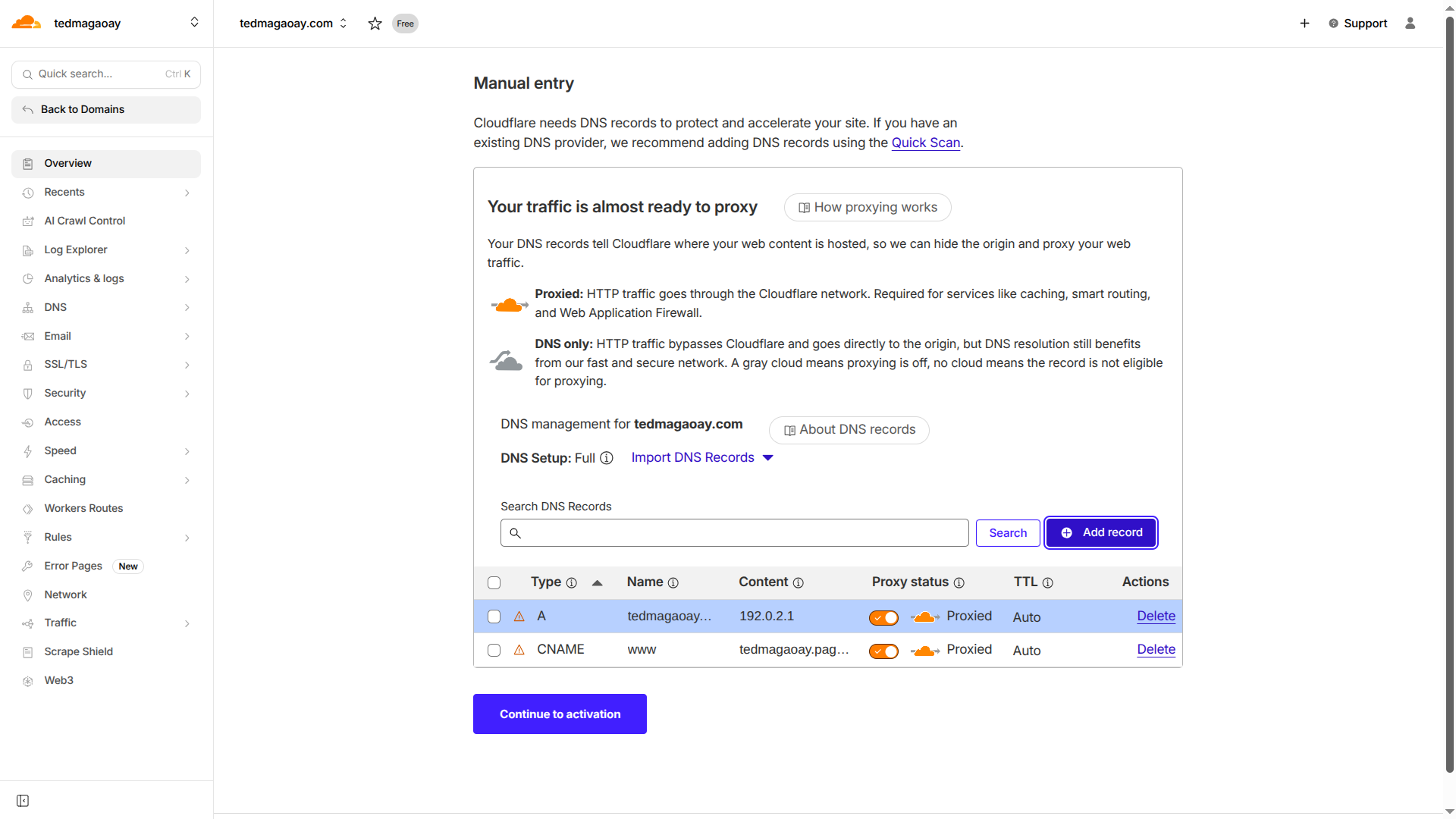
6. Update your nameservers to activate Cloudflare
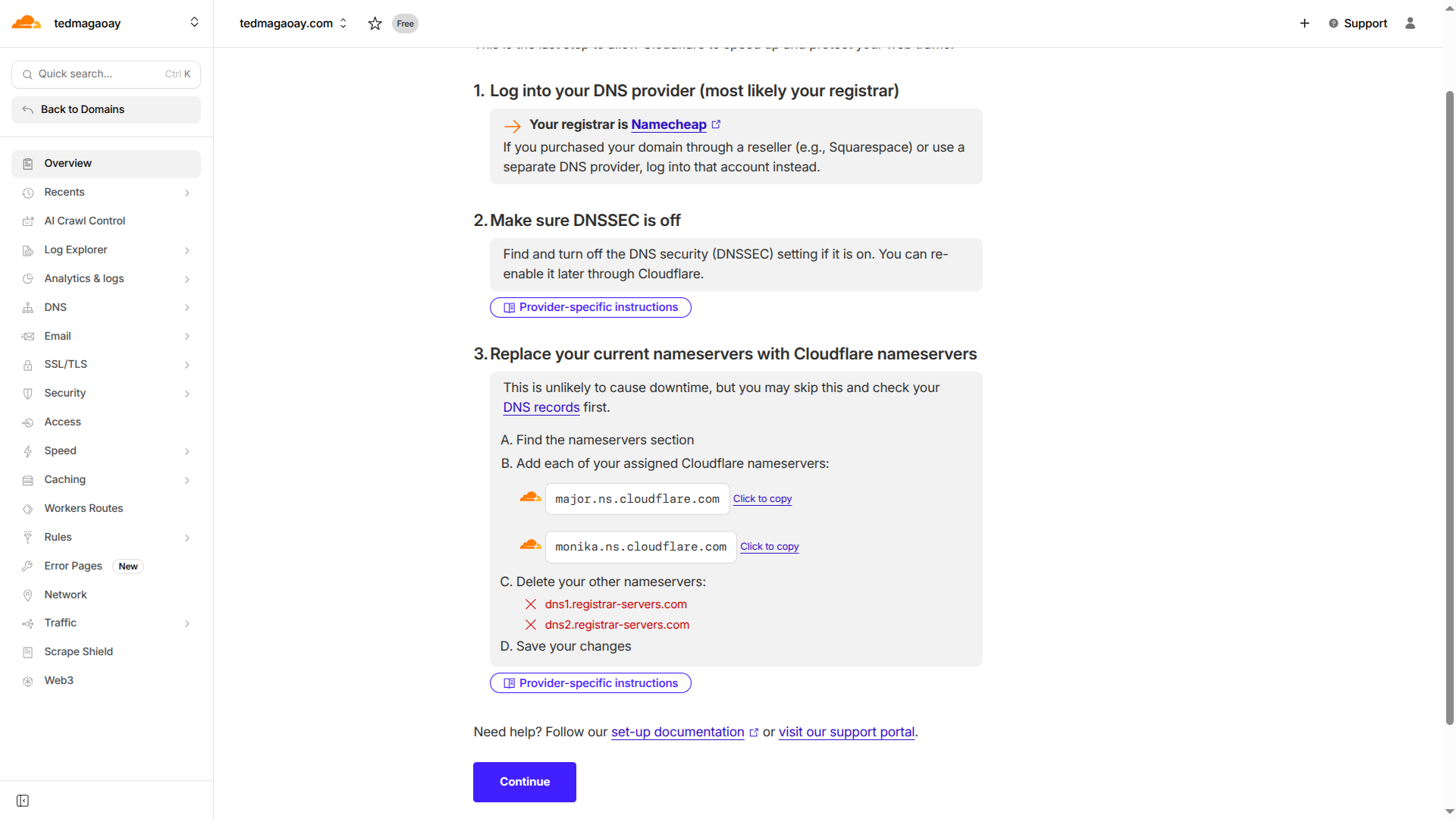
7. Go to your registrar and add the Cloudflare Nameservers

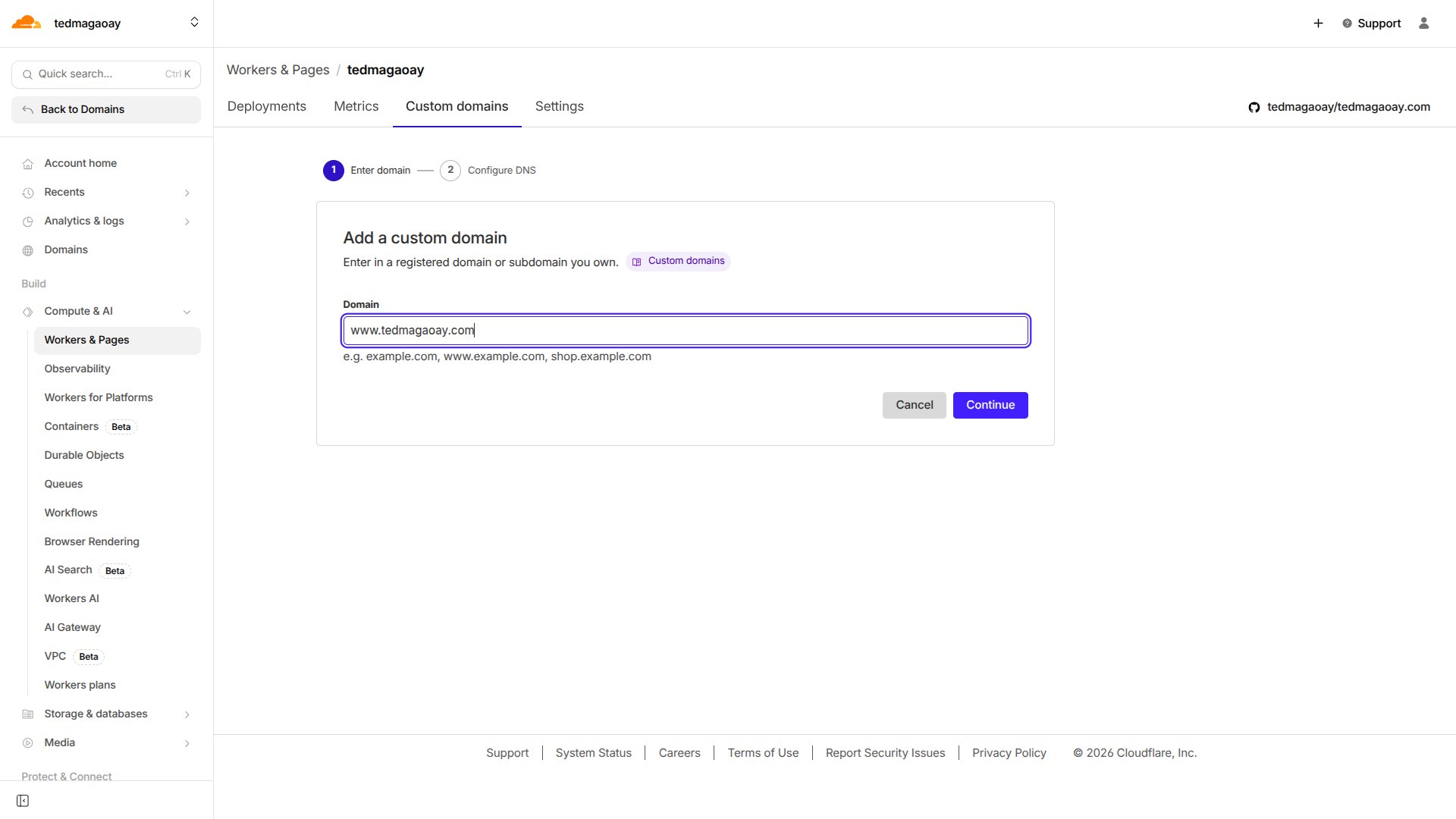
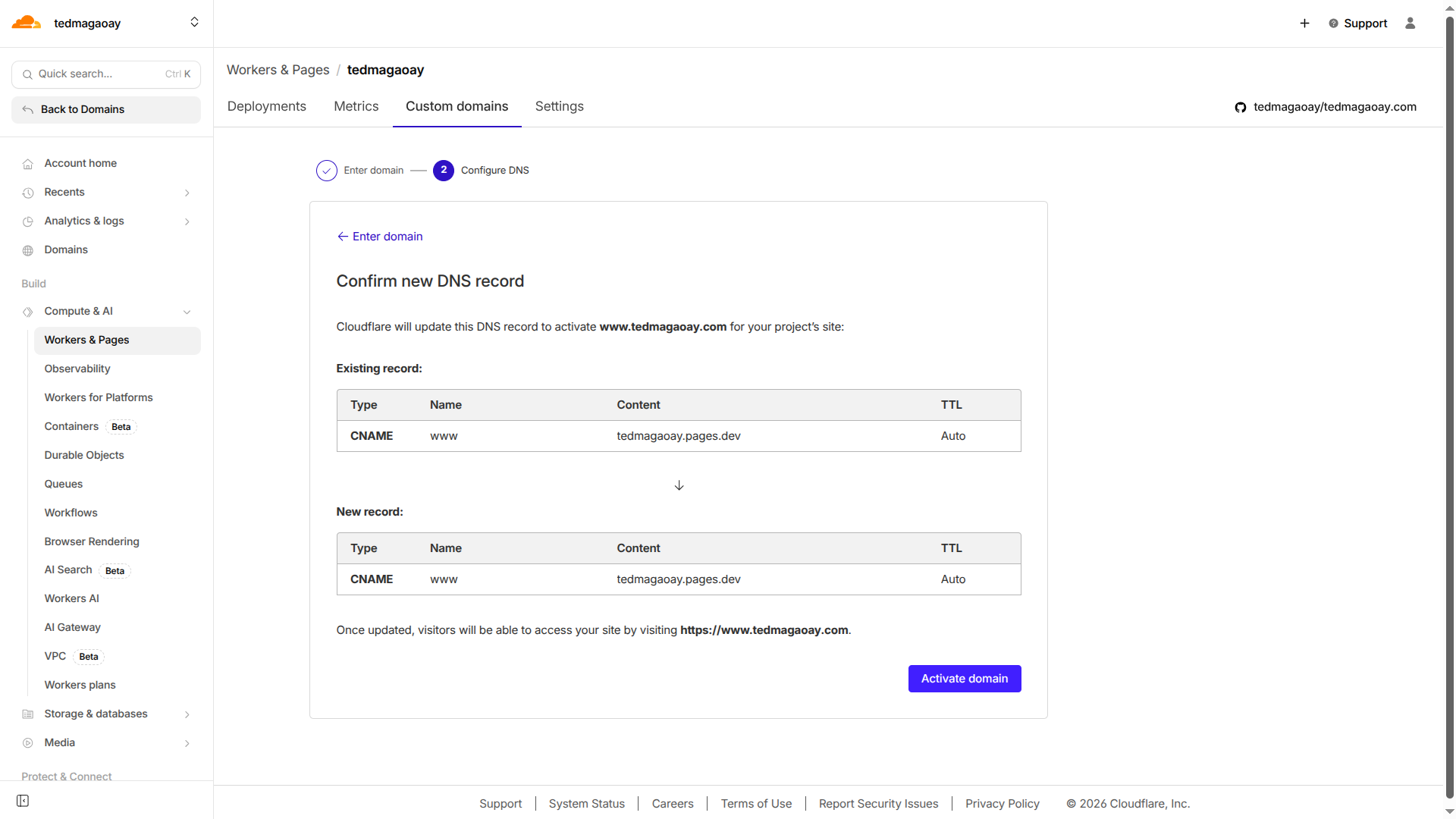
8. Add a custom domain for your site