Friction Rotating Text
Publish date: Jul 3, 2026
Last updated: Jul 5, 2026
Last updated: Jul 5, 2026
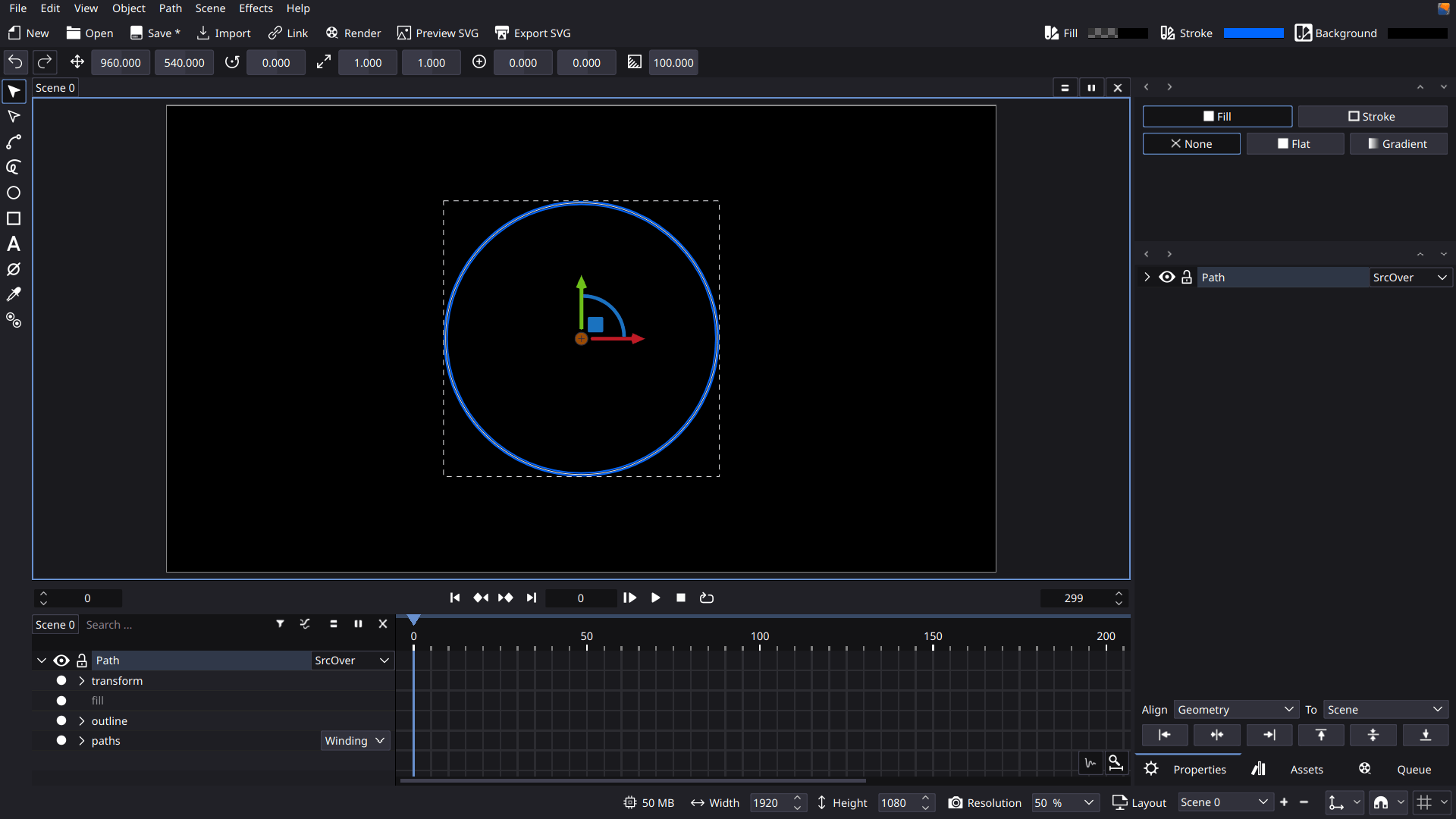
- Create a circle then convert it to path. center it to the scene. Apply transformation.
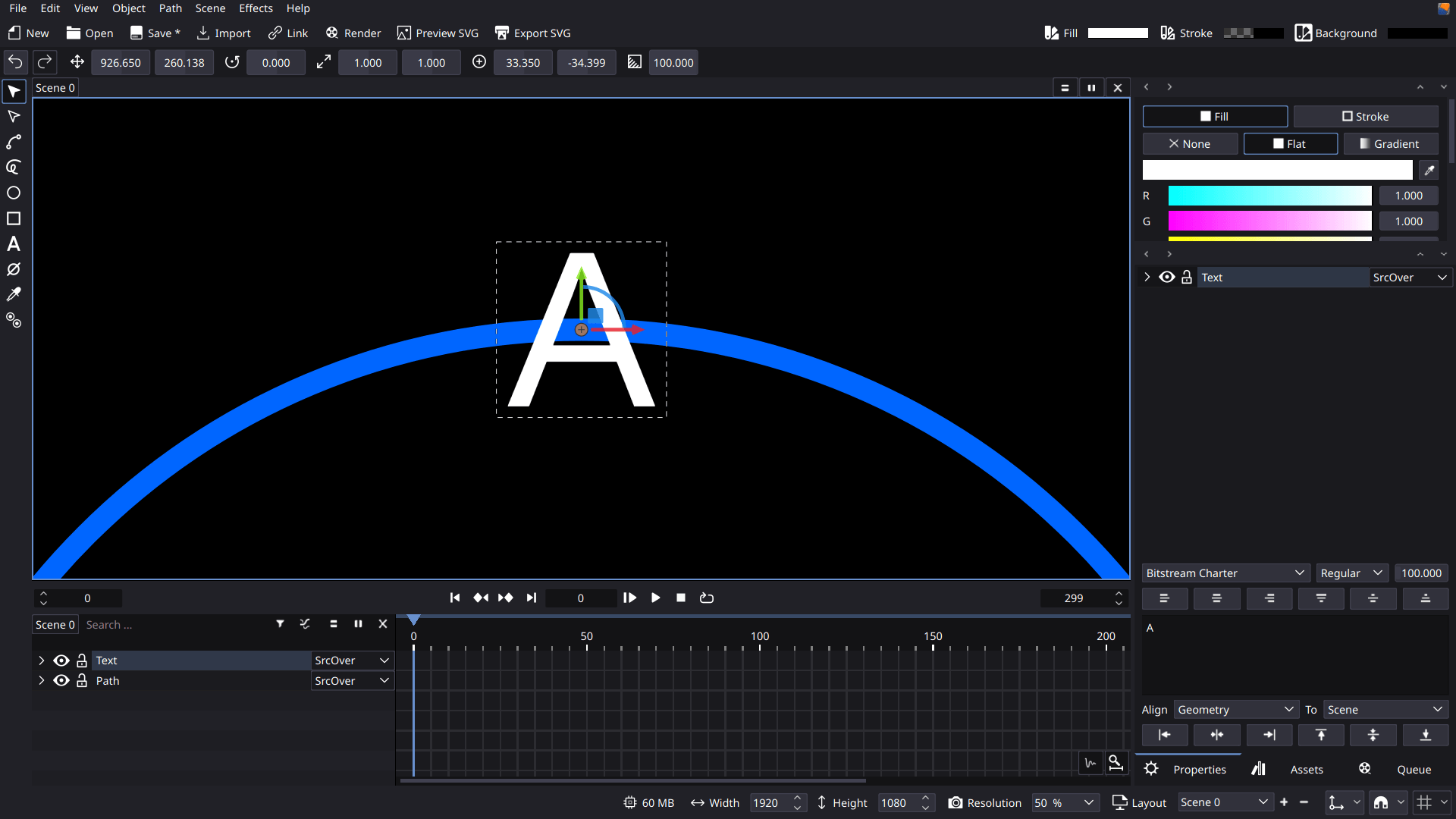
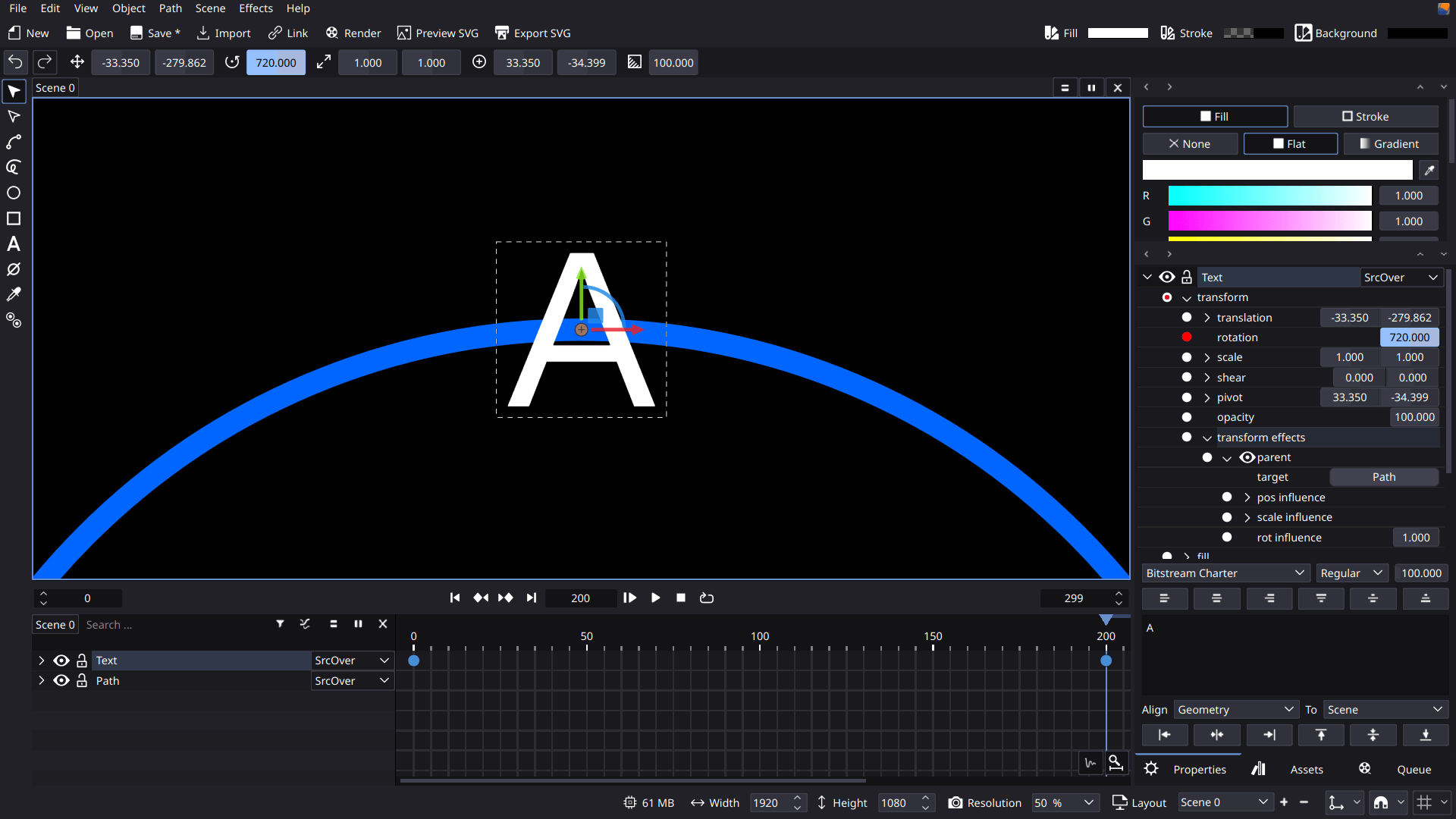
- There is no text along path yet so you will manually add each letter along the path. Add a text, center pivot and snap its pivot to the top node of the circle. Make sure snap to nodes is enabled.
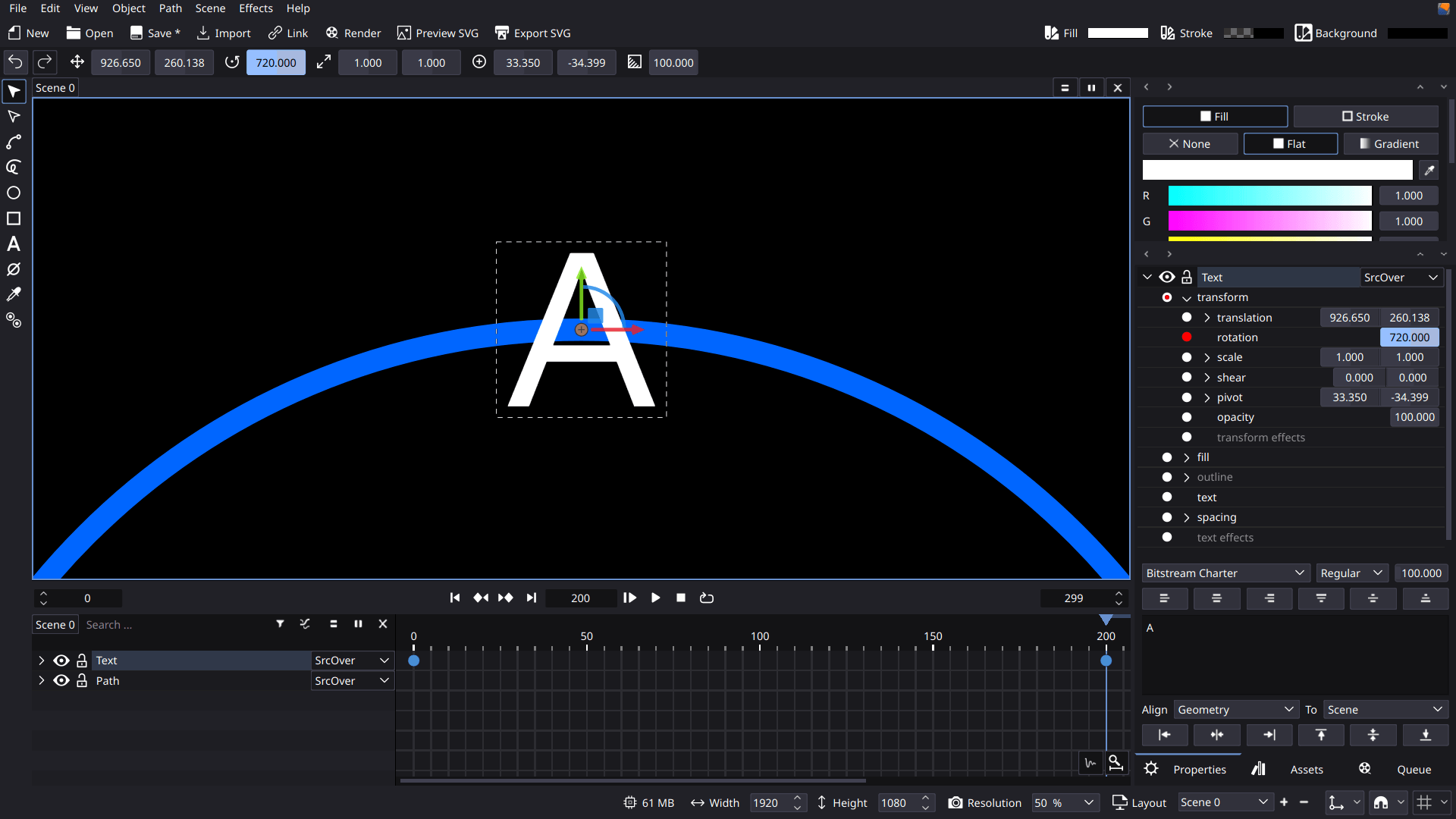
- Animate the text rotation by 720 at frame 200.
- Add parent transform effect. target the other object. This will make the text rotate as you rotate the circle.
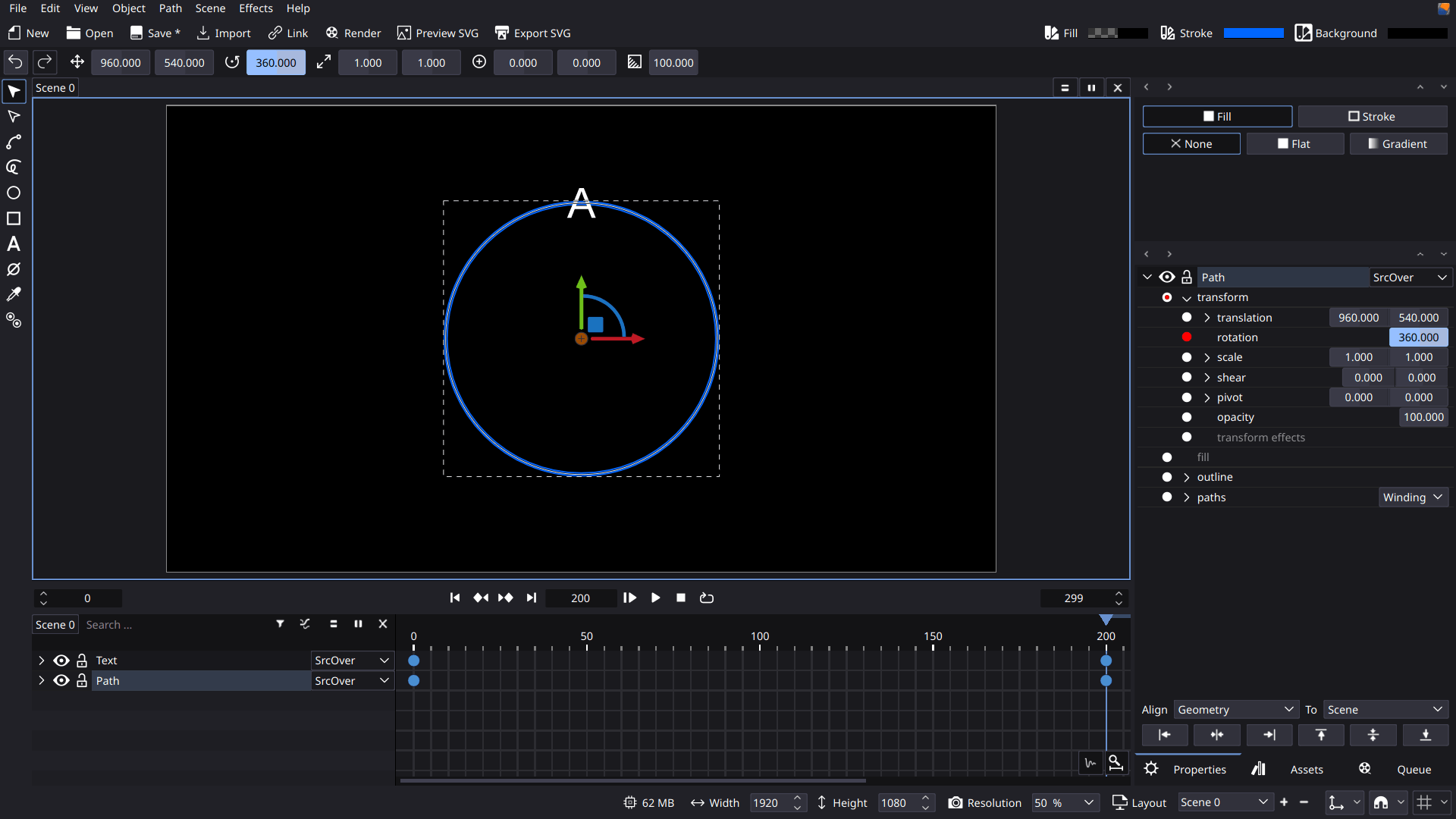
- Select the circle path and animate its rotation by 360 at frame 200. Don’t forget to apply transformation.
-
Group both of them then promote to layer.
-
The pivot moved so lets move it to the center of the scene by aligning the pivot to the scene.
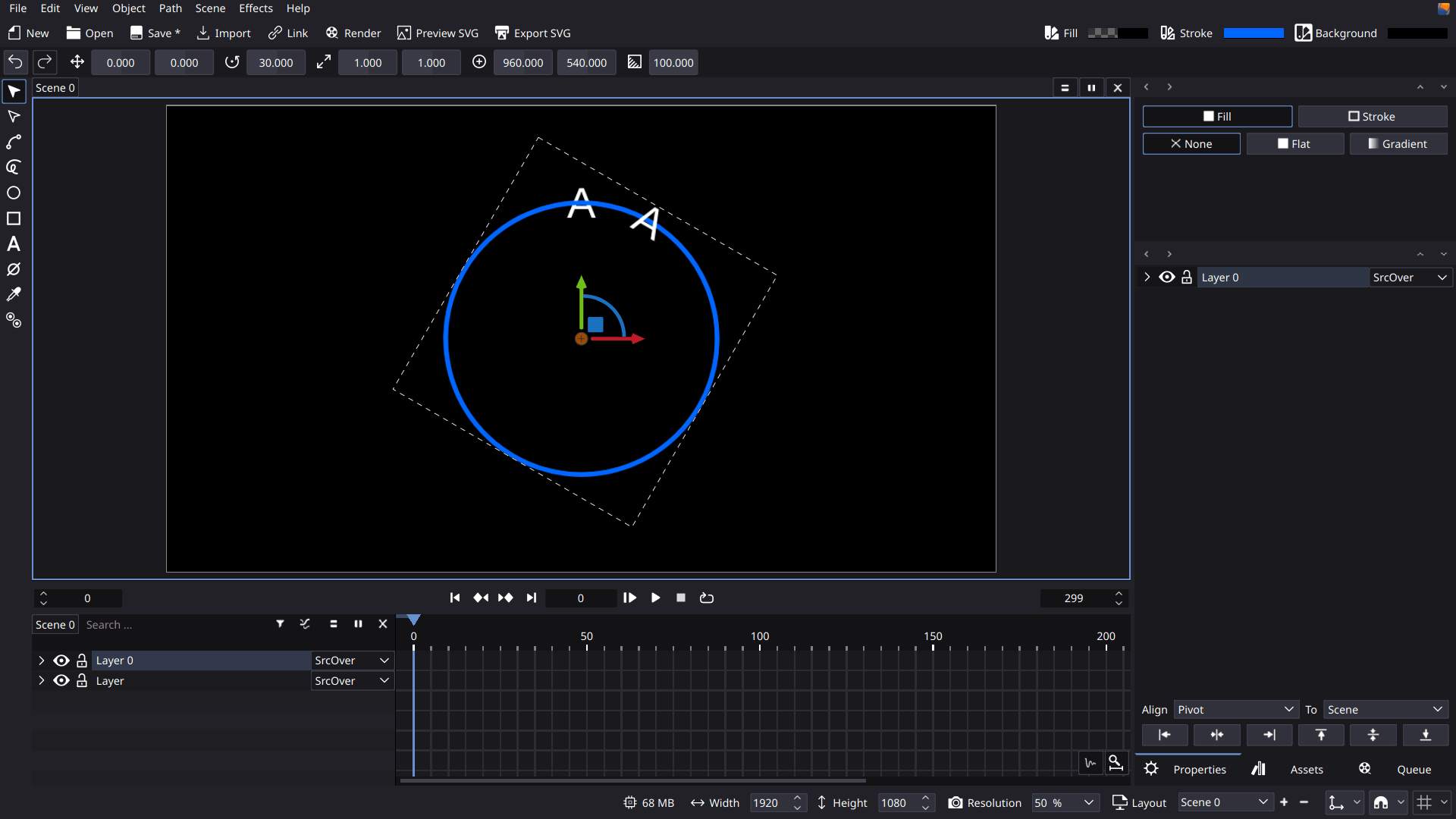
- Duplicate the layer and rotate it 30 degrees.
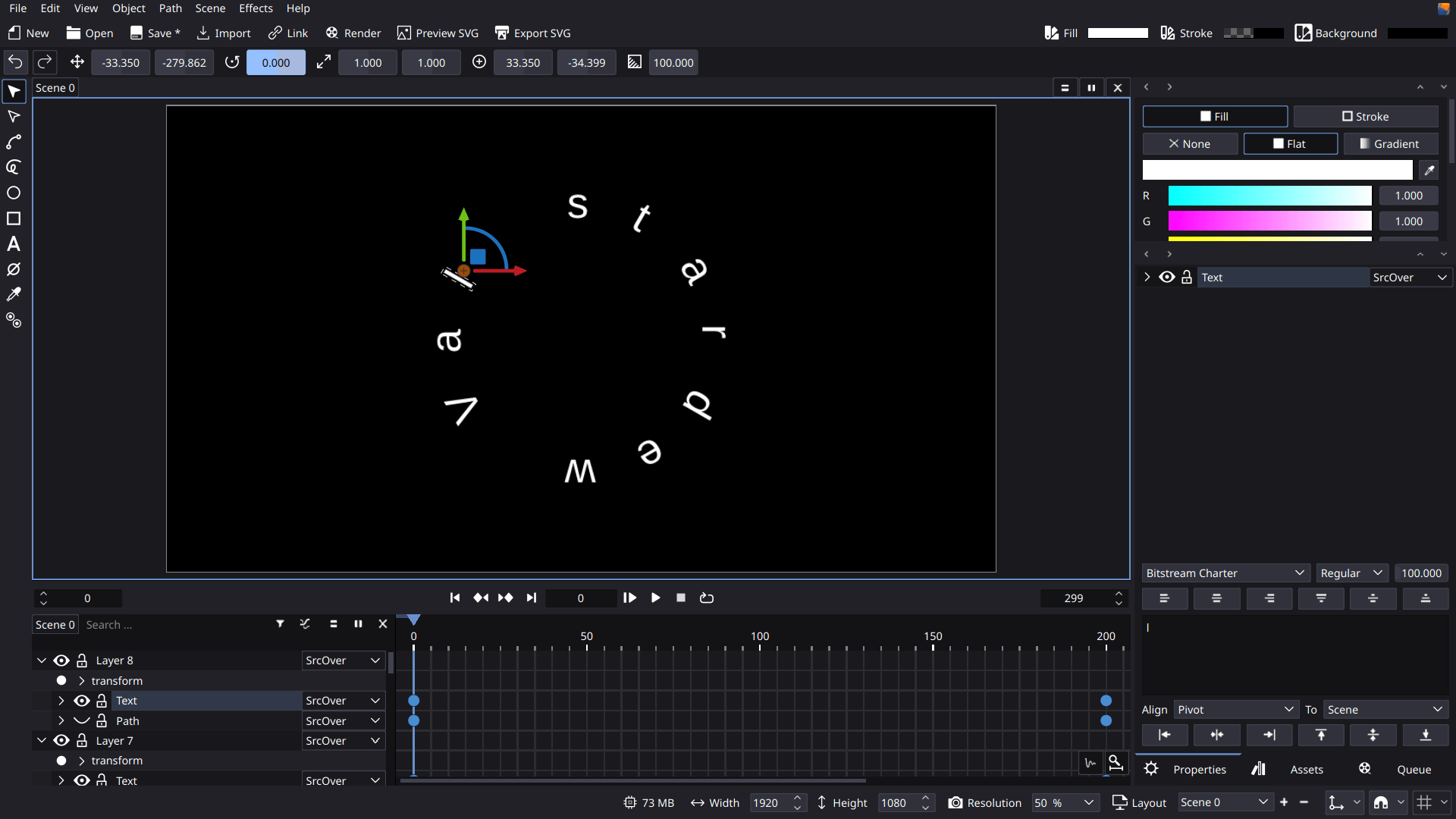
- Repeat multiple times for S, t, a, r, d, e, and w.
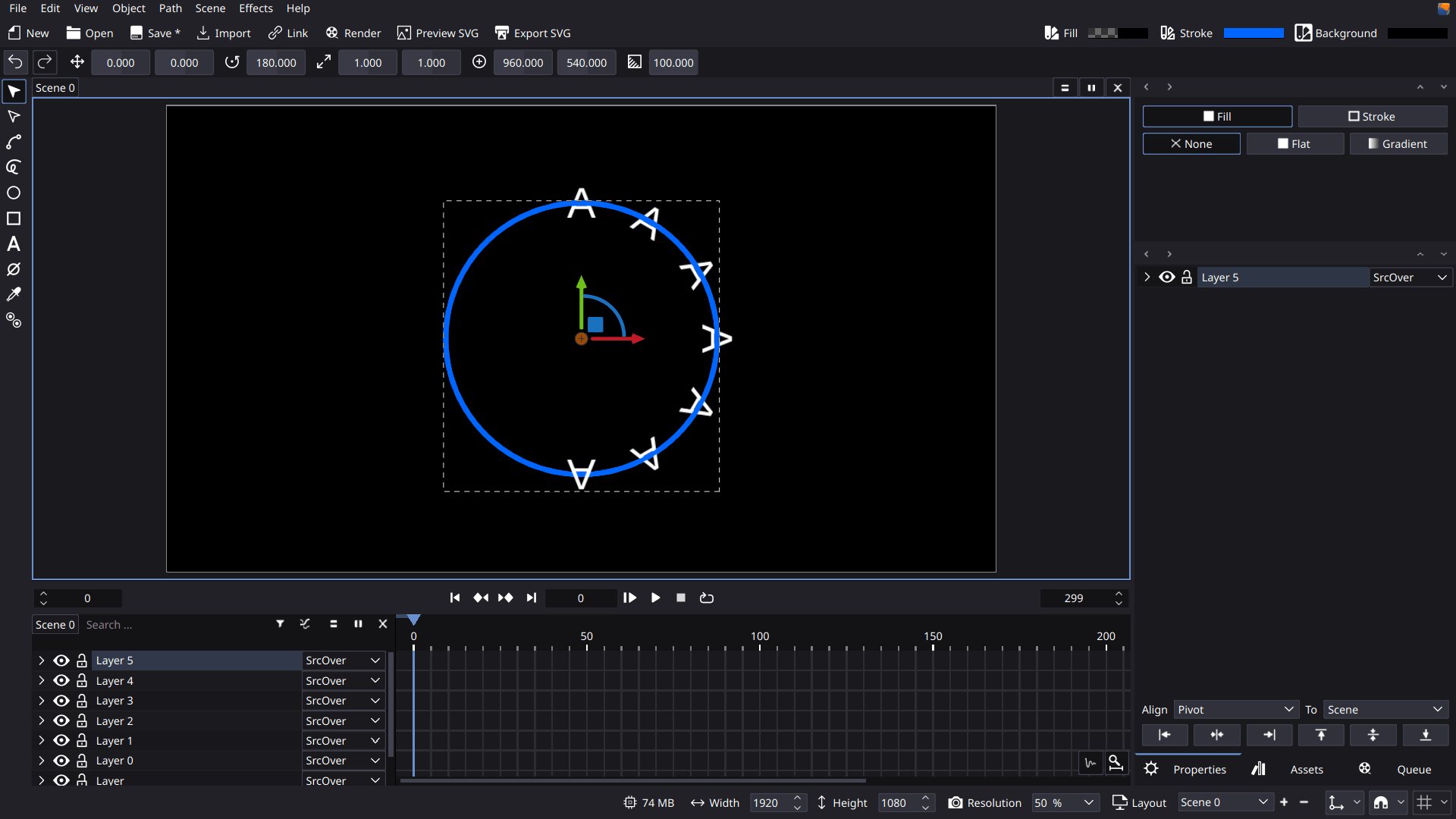
- Duplicate again but this time you will rotate it 60 degees for the space between S t a r d e w and V a l.
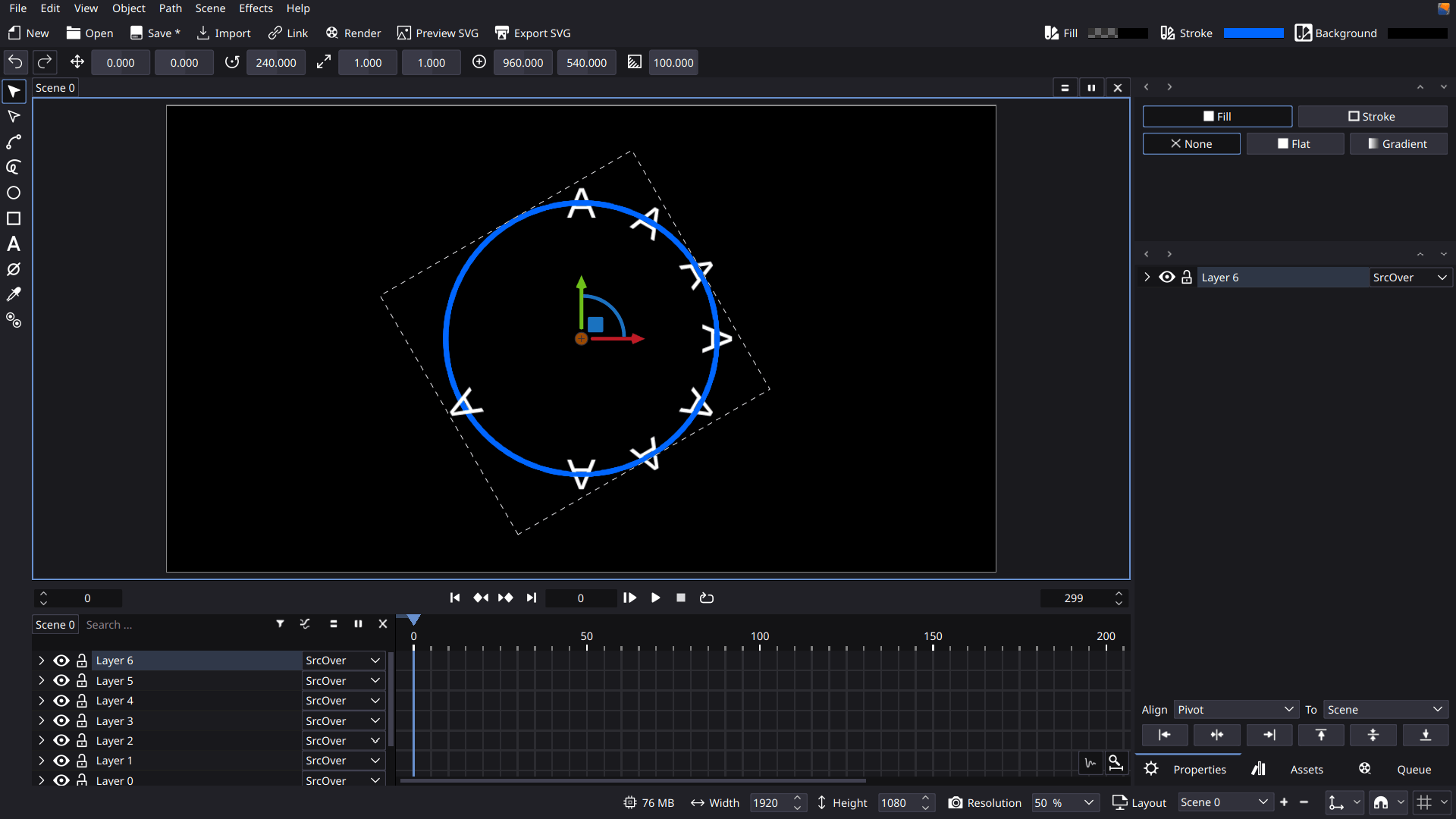
- Create copies for a and l.
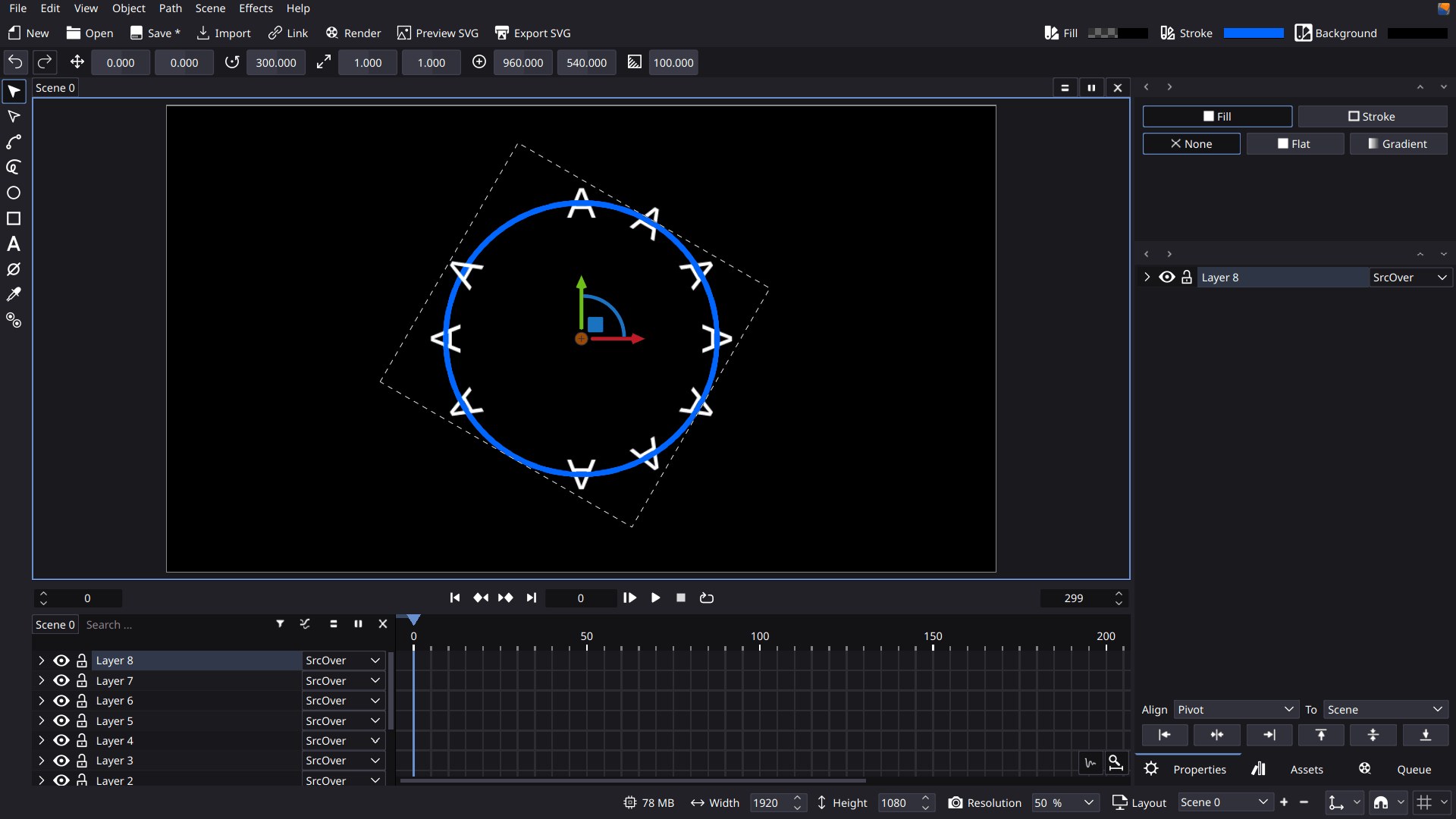
- Finally Change the texts and hide the circles.